
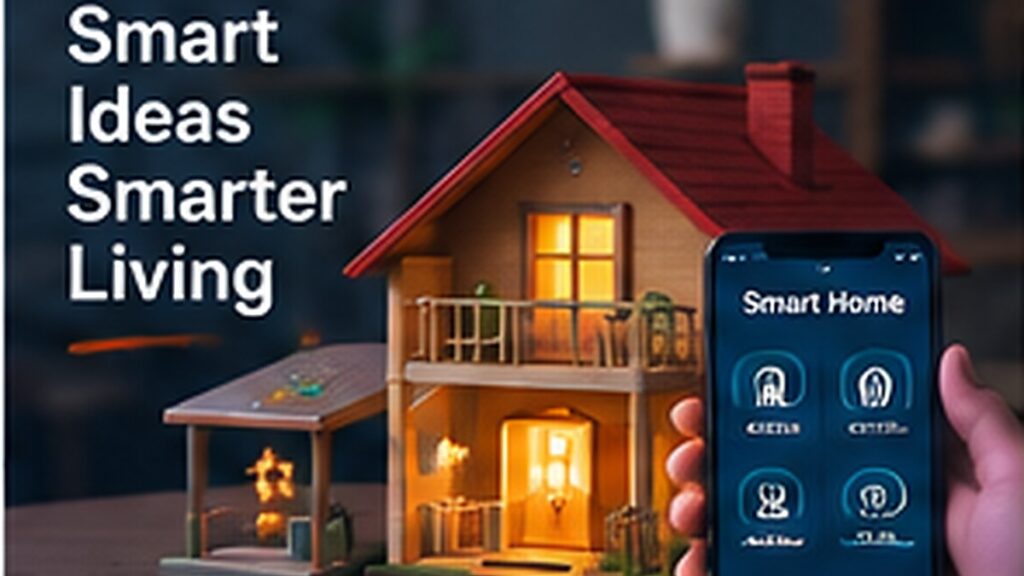
Home automation projects are useful because they connect sensors, control logic and everyday problems. A safe school prototype should use low-voltage LEDs, mini motors and model loads rather than direct mains wiring.
This guide focuses on practical learning: understand the idea, try a small version, test it, document what happens and improve it. That approach is more useful for students than collecting isolated facts without applying them.
1. Automatic room light
Use an LDR for day/night control or a PIR sensor for occupancy detection.
2. Motion corridor light
A PIR sensor turns on an LED strip for a fixed period when movement is detected.
3. Temperature-controlled fan
Read a temperature sensor and switch or vary a small DC fan when temperature crosses a threshold.
4. Smart door-open alert
Use a reed switch to detect a door opening and activate a buzzer or ESP32 notification.
5. Automatic curtain model
Use an LDR, servo or geared motor to open and close a small curtain.
6. Water-tank level monitor
Measure tank level and show status LEDs or a display. An advanced version can trigger a mini pump.
7. Bluetooth or Wi-Fi appliance-control model
Control low-voltage LEDs from a phone interface through Bluetooth or Wi-Fi.
A safe build sequence
- Choose one function to automate.
- Build the sensor/input stage.
- Control a low-voltage LED or small motor first.
- Add threshold or timing logic.
- Test manual override behaviour.
- Add Bluetooth/Wi-Fi only if needed.
- Mount the project in a model house and label everything.
Common mistakes to avoid
- Working directly with AC mains electricity
- Adding Wi-Fi before basic control works
- Using relays without understanding ratings
- Leaving no manual override discussion
- Calling every remote-controlled device ‘AI’
Frequently asked questions
Should school students use real household appliances?
For exhibitions, use low-voltage LEDs, fans and model loads.
Arduino or ESP32—which is better?
Arduino is simple for local control. ESP32 is useful when Wi-Fi or Bluetooth is required.
What is the difference between automation and IoT?
Automation can work locally; IoT usually adds network communication or remote monitoring.
Final thoughts
Start with one reliable automated function and explain why it is useful. Stable basic control is better than a complicated smart-home demo with unreliable features.
Madras Academy tip: keep photos, diagrams, code links, test notes and a short explanation for every project or learning activity. A clear portfolio makes progress visible and helps students explain what they actually learned.