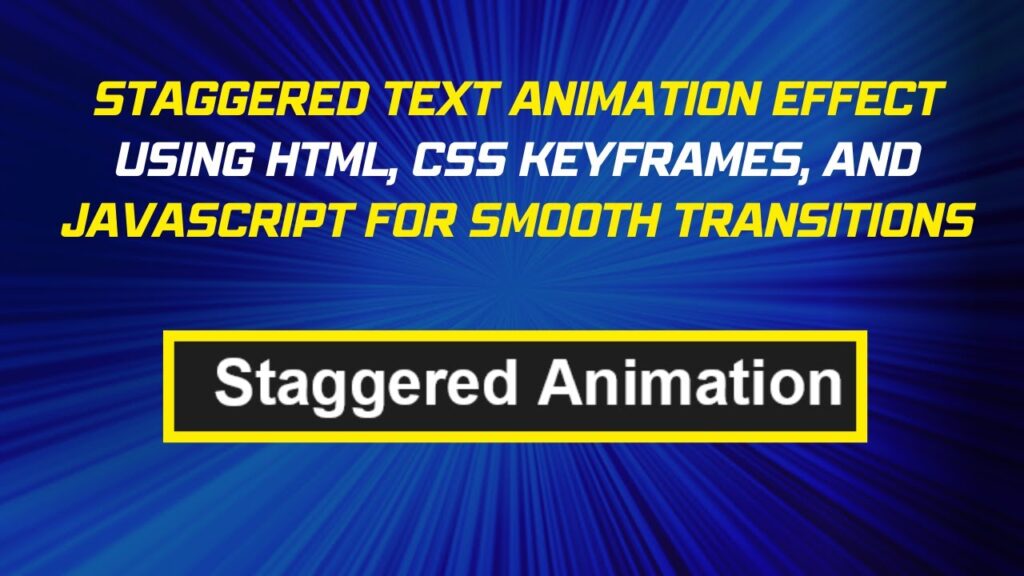
Want to add a smooth and stylish text animation to your website? In this tutorial, we’ll create a staggered text effect where each letter fades in one after the other using HTML, CSS, and JavaScript.
This effect is perfect for headlines, hero sections, or landing pages, making your text stand out and engage visitors! 🚀
What You’ll Learn
✅ HTML setup for dynamic text elements 📄
✅ CSS animations to style and animate text 🎨
✅ Keyframes animation for smooth fade-up effects ✨
✅ JavaScript logic to break text into individual letters 🛠️
✅ Customizing animation speed & style for a unique look 🎯
Step 1: Basic HTML Structure
We’ll start with a simple HTML setup to create the text container.
<!DOCTYPE html>
<html lang="en">
<head>
  <meta charset="UTF-8">
  <meta name="viewport" content="width=device-width, initial-scale=1.0">
  <title>Staggered Text Animation</title>
  <link rel="stylesheet" href="styles.css">
</head>
<body>
  <div id="staggered-container"></div>
  <script src="script.js"></script>
</body>
</html>
✔ Creates a container to hold the text
✔ Includes external CSS and JavaScript files for a clean structure
Step 2: Styling with CSS
We use CSS animations to create the fade-up effect for each letter.
/* Center content */
body {
  display: flex;
  justify-content: center;
  align-items: center;
  height: 100vh;
  margin: 0;
  background-color: #1e1e1e;
  font-family: Arial, sans-serif;
}

/* Style for individual letters */
.staggered-text {
  font-size: 48px;
  font-weight: bold;
  color: white;
  display: inline-block;
  opacity: 0;
  transform: translateY(20px);
  animation: fade-up 1s forwards ease-out;
}

/* Keyframes animation */
@keyframes fade-up {
  0% {
    opacity: 0;
    transform: translateY(20px);
  }
  100% {
    opacity: 1;
    transform: translateY(0);
  }
}
✔ Positions the text in the center
✔ Fades in each letter with a slight upward movement
✔ Uses @keyframes to define the animation steps
Step 3: JavaScript for Staggered Animation
The JavaScript script splits the text into individual characters and applies staggered animation delays.
const text = "Staggered Animation";
const container = document.getElementById("staggered-container");

// Create a span for each character with a staggered animation delay
text.split("").forEach((char, index) => {
  const span = document.createElement("span");
  span.className = "staggered-text";
  span.style.animationDelay = `${index * 0.1}s`;

  // Preserve spaces correctly
  span.innerHTML = char === " " ? " " : char;

  container.appendChild(span);
});
✔ Breaks text into individual characters
✔ Adds a staggered delay (index * 0.1s) to each letter
✔ Handles spaces properly for consistent formatting
How It Works 🎥
🔤 Each letter fades in with a smooth upward motion
⏳ A staggered delay makes the animation look fluid
🌈 Easily customizable for different fonts, sizes, and speeds
Final Output: A Beautiful Staggered Text Effect!
When you run the script, you’ll see each letter appearing one after the other in a smooth and engaging animation.
🎨 Want to customize it? Try these tweaks:
✔ Change the animation speed by modifying animation-delay ⏳
✔ Use different easing functions for unique effects 🎭
✔ Experiment with font styles and colors for a bold look 🎨
Watch the Full Video Tutorial 🎥
See the step-by-step process and live demonstration of the staggered text animation!
Download the Full Code
Get the complete source code on GitHub:
🔗 GitHub – Staggered Text Animation
Conclusion
In this tutorial, we created a stunning staggered text animation using HTML, CSS, and JavaScript.
💡 Next Steps:
✔ Experiment with different text effects ✨
✔ Add hover or scroll-triggered animations 🔥
✔ Use custom fonts for a stylish look 🎨
Did you enjoy this tutorial?
💡 Like this post
💬 Comment your thoughts
🔔 Subscribe for more web development tutorials!
🚀 Happy Coding! 🎨🖥️✨